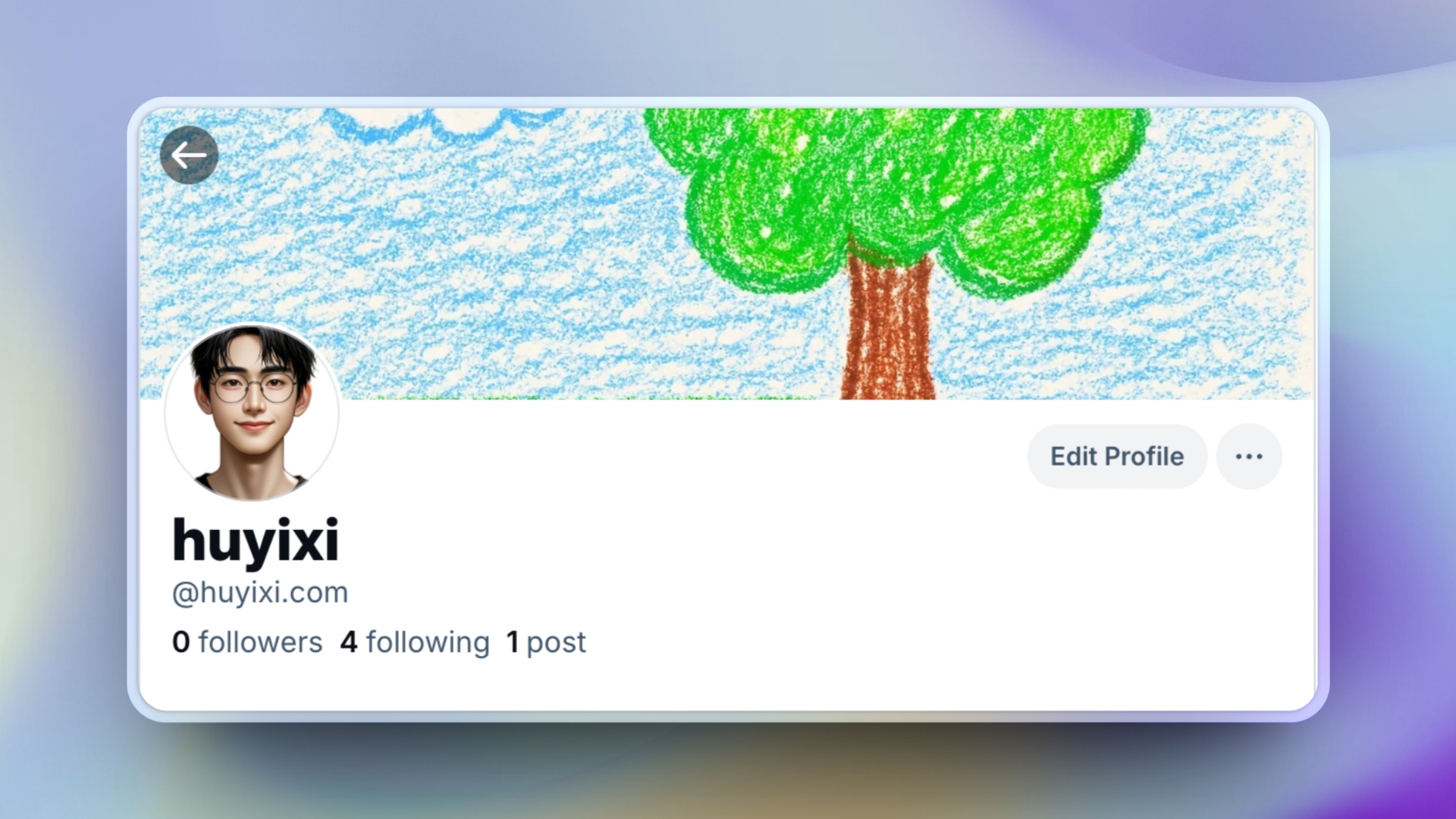
Set My Custom Domain as My Bluesky Handle
I recently registered a Bluesky account and noticed that some people have my desired username. I am now exploring how to set my custom handle.
Step 1: Access Account Settings
- Go to Bluesky Account Settings.
- Click Handle.
- Select I have my own domain.
Step 2: Configure DNS Settings
- Open your domain management panel (e.g., Cloudflare).
- Add a new TXT record:
- Type: TXT
- Name/Host:
_atproto - Value/Content: (From The Bluesky)
- TTL: Auto
- Save the DNS record.
Step 3: Verify Your DNS Record
- In Bluesky, click Verify DNS Record.
- Check if the record is correctly set using:
bash nslookup -type=TXT _atproto.huyixi.com dig TXT _atproto.huyixi.com +shortIf the returned value matches your set value, the DNS is correctly configured.
Step 4: Click “Update to ‘Custom Handle’””
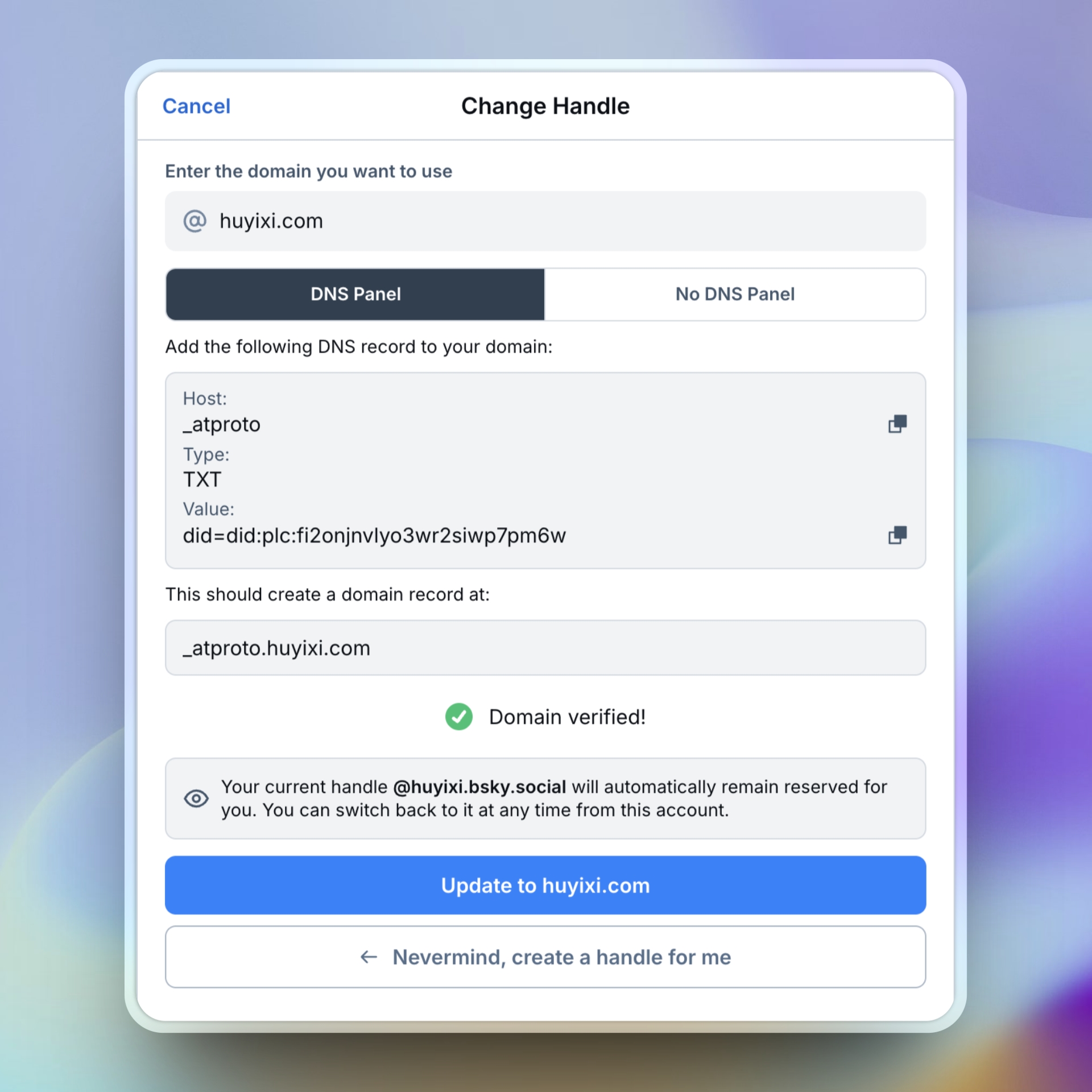
Now your Bluesky handle will be updated to your custom domain! 🚀